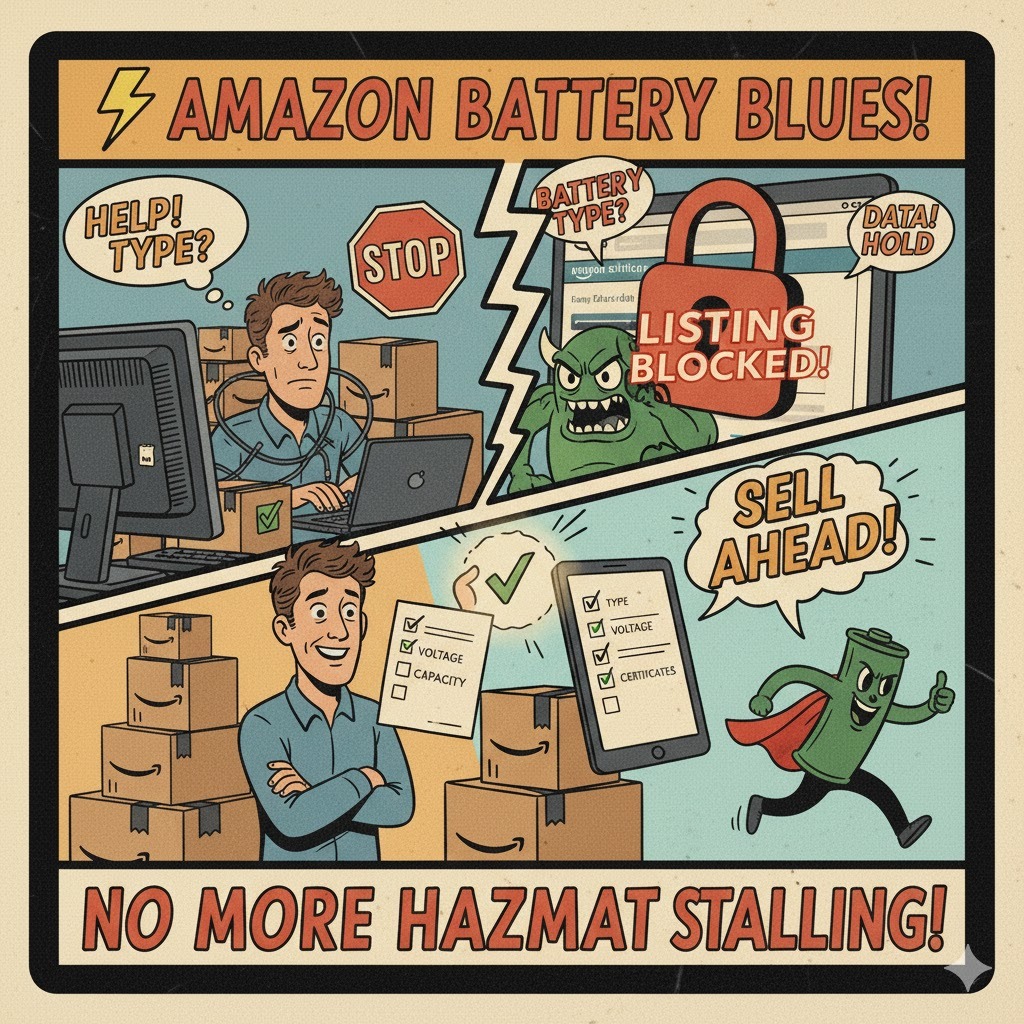
Amazon has tightened its requirements — and mistakes are now costly.
Enter incorrect battery data → your listing can be deactivated.
Repeat errors → risk of account suspension.
Here’s how to pass the new checks without issues 
1. What Amazon now requires
When creating or updating a listing with batteries (built-in or removable), you must specify:
• Whether batteries are required;
• Whether they are included in the package;
• Battery type and chemical composition (e.g. Lithium-ion, Alkaline, NiMH).
 Incorrect entries in these fields lead to automatic deactivation of the listing.
2. Where to find the correct information
You can find battery details on:
• The product packaging;
• The battery label itself;
• The product’s technical datasheet or manufacturer’s certification.
If your battery type is not listed in Amazon’s dropdown — select “Other” and enter the composition manually.
3. Pay special attention to lithium batteries
They are subject to additional restrictions:
• Some lithium battery types are prohibited in certain marketplaces;
• You must have valid safety certifications — UN38.3, UL, and MSDS.
Always confirm that your product is approved for sale in your target markets.
4. How to quickly check Amazon’s requirements
Go to  亚马逊 登录
Enter your product name (e.g. “battery”, “power bank”, “charger”).
The tool will show:
• Whether your product is allowed for sale;
• Which documents and certifications are required;
• Any restrictions related to your battery type.
5. Prepare these documents in advance
• Safety certificates;
• Battery specifications (voltage, capacity, chemistry);
• User safety instructions;
• Hazmat review report, if applicable.