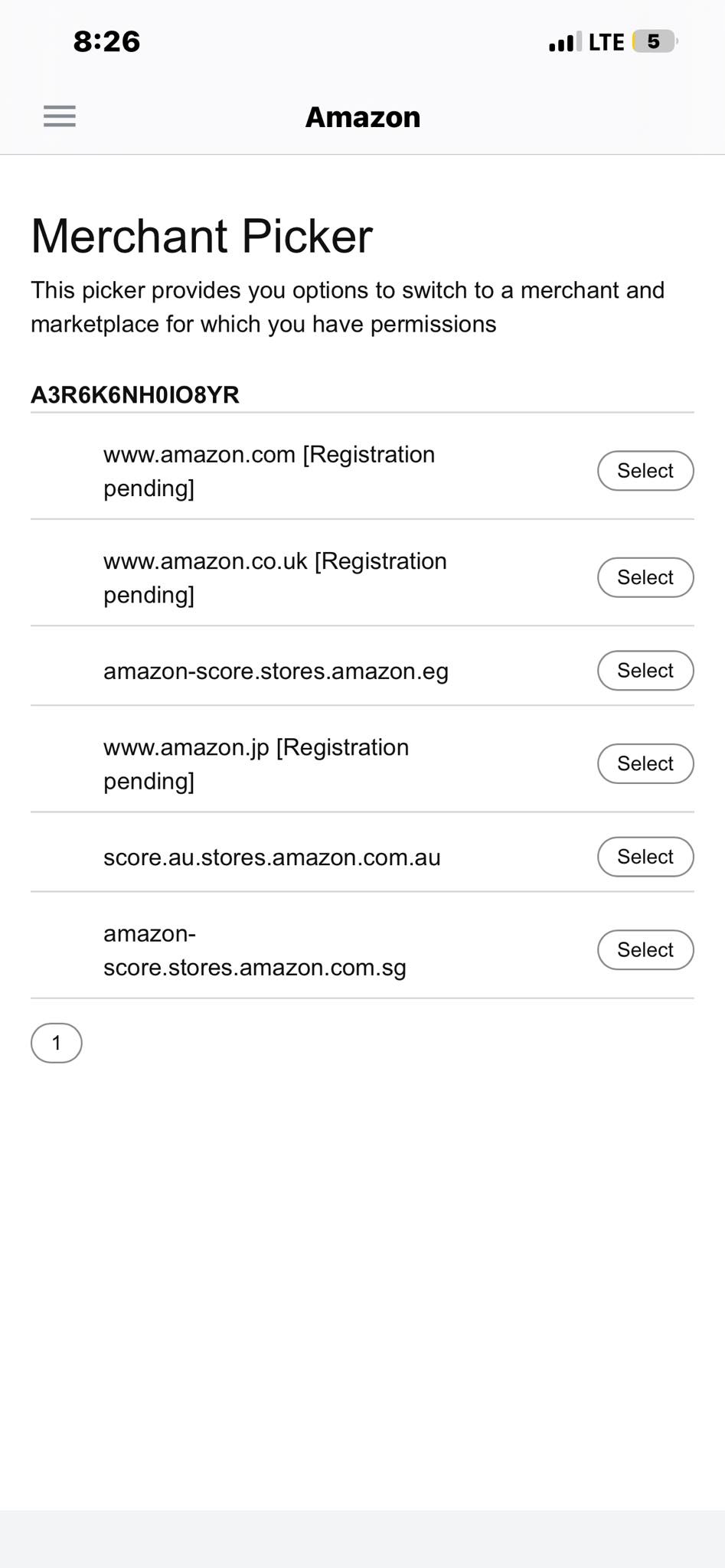
I was trying to apply online, but I kept getting error messages, so I switched to the app. I’m very confused because this was not an option online, but it is available on the app.
What do these even mean?
I was trying to apply online, but I kept getting error messages, so I switched to the app. I’m very confused because this was not an option online, but it is available on the app.
What do these even mean?
Hello, if your seller account application is under review or stuck in verification, the most important thing is to make sure all the information across your documents matches exactly. Amazon’s verification system is extremely sensitive to differences in names, addresses, phone numbers, or formatting, and even small inconsistencies can trigger rejection or manual review. Based on what many sellers experience, the safest approach is to use genuine documents only, avoid virtual or mismatched information where possible, and make sure the business details in Seller Central match your bank statement, ID, and company records exactly.
If Amazon asks you to wait for the verification team or says the case has been escalated, that usually means the automated system could not validate something and a manual review is required. In many cases the issue is eventually resolved once a human reviewer checks the documents, but repeatedly submitting different information or opening many support cases can sometimes slow the process down further.
Also, if you are applying through mobile, some parts of the seller application process do not work correctly there, and many sellers report better results completing verification through the desktop version of Seller Central instead.
The app and desktop versions sometimes show different settings or beta features. A lot of these options are poorly explained by Amazon, especially during account setup or applications. Usually they relate to fulfillment, tax, or advertising preferences.