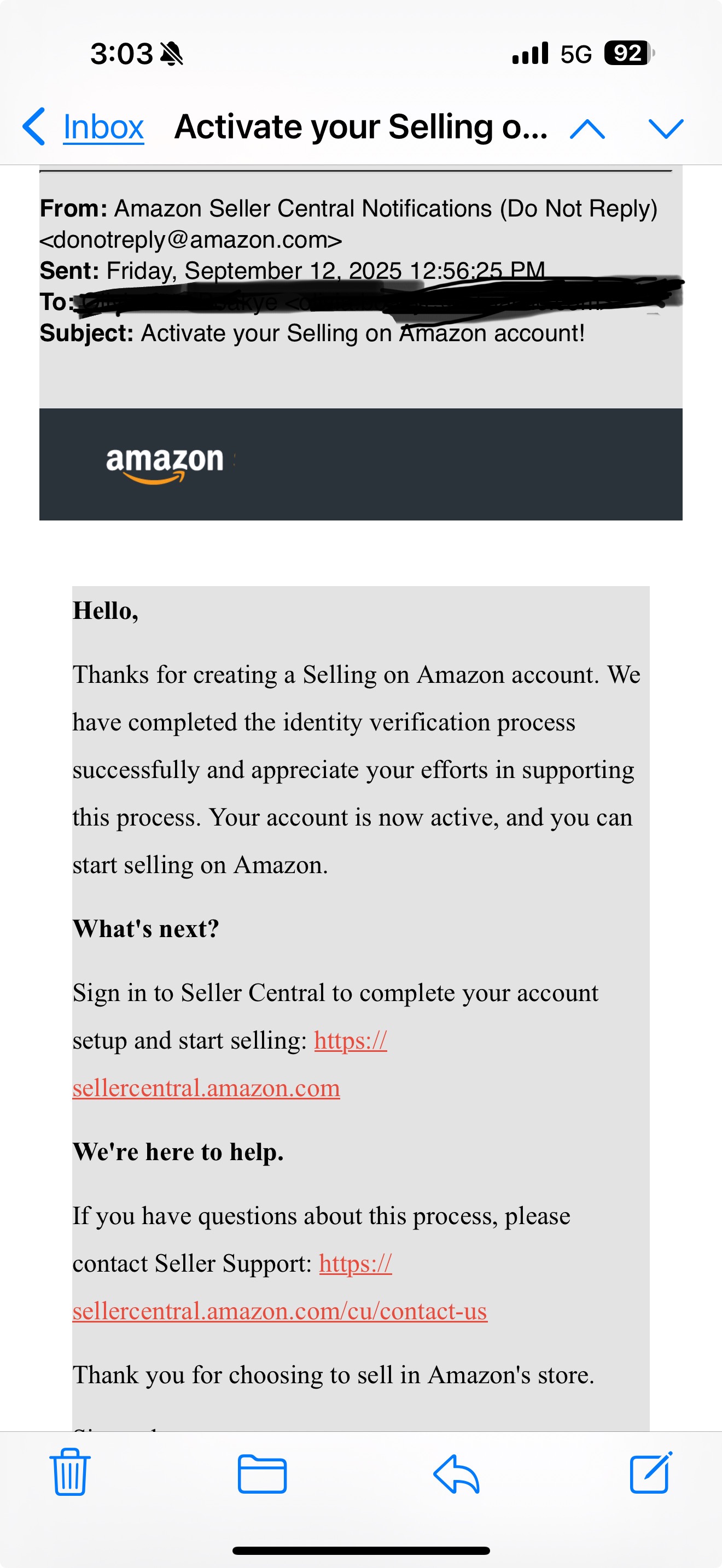
I created a new seller account. After verification I received an email that my account is active and I can sell on Amazon. After entering my email, password, and OTP I get the error message below:
"Not Authorized. This email address is not associated with any account "
That is the same email I used to create the account. I can see my details when I log in to Amazon.com but can’t log into the seller account. I have changed the computer, cleared my browser cache, changed my browser and password and none works for me. I have contacted Amazon seller support about five times in 2 weeks and the only response I get is to log into my seller account and send them the screen shot and url of the error. I contacted them because I cannot log in. Has anyone had success having this error corrected? How can I have this resolved.
Thanks for the response. I have tried with my phone number as well and still get the same error message after entering password and OTP. Please see the attached email from Amazon for my account activation.
This usually happens when the seller account didn’t link properly to your buyer account after verification, so even though Amazon emailed that you’re active, the backend never created the Seller Central profile tied to your login.
Support often gives the unhelpful loop of “log in and send a screenshot” because the case handlers don’t escalate it, but what you need is for them to pass it to the Seller Identity or Registration team to manually relink your credentials.
The best way is to open a new case under “Account Settings → Account Verification” and explain clearly that you cannot access Seller Central at all, include the exact error wording, the email address, and attach a screenshot from the login page showing the message.
If chat/email keeps going in circles, try calling Seller Support and specifically ask for an escalation to the Registration team, because only they can fix it on the backend. It’s frustrating but several sellers have had it resolved once it was escalated, though sometimes it takes a few weeks.
Update
I contacted Amazon Seller Help on X.com. They checked and confirmed that the account is closed but could not assign reasons for that and advised I create a new account with a different email. I created a new account but the verification team requested I explain why i have 2 seller account. I responded by telling them about the error i encountered with the first account. I just got approved to sell on amazon with the newly created account. Thank you all for the assistance