Hello everyone,
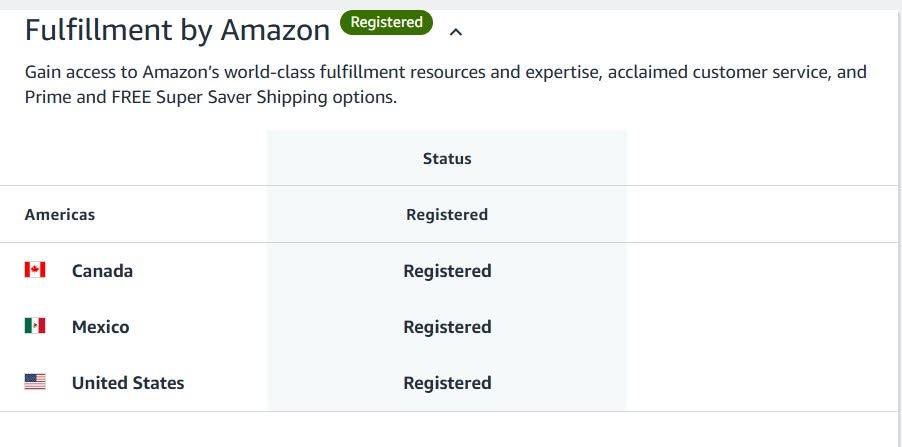
Hope you guys are doing well! I want to deregister Canada and Mexico from my store.
How can I do that?
Thank you
Hello everyone,
Hope you guys are doing well! I want to deregister Canada and Mexico from my store.
How can I do that?
Thank you
If it’s a North America Unified Account, you can’t remove Canada and Mexico individually—they’re linked with the US. If you just want to stop selling there, disable the listings/offers and opt out of Remote Fulfillment (if enabled). If you want them completely removed, you’ll need to contact Seller Support.
Disconnect the marketplaces by going to Inventory → Build International Listings and clicking Remove Connection for Canada and Mexico.
Then, go to Settings → Account Info → Vacation Settings and switch both countries to Inactive to permanently hide your listings.