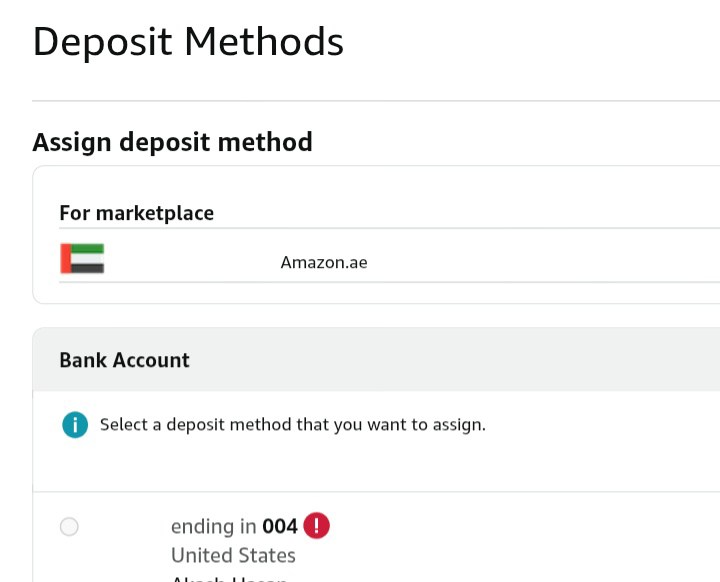
If your Payoneer deposit method isn’t being added to your Amazon account, it’s usually because of a mismatch between your Payoneer account details and your Amazon seller account information.
The most common reasons are that the account name on Payoneer doesn’t match exactly with your legal name or business name on Amazon, or you’re trying to use a Payoneer receiving account in the wrong currency or region.
Make sure you’re using the correct Payoneer Global Payment Service account that matches your Amazon marketplace—for example, a USD account for Amazon.com or a GBP account for Amazon.co.uk. Also, ensure your Payoneer account is fully verified, with all identity checks completed.
If you’ve confirmed all this and it still fails, remove any old deposit methods, clear your browser cache, and try adding it again from a desktop computer. If it still won’t work, contact Payoneer support and ask them to verify that your receiving account is “Amazon-compatible” and activated for marketplace payments, as sometimes new accounts need manual activation before Amazon can link to them.